Android app · systems · 2026
Anvil
A dead laptop, a phone and a pendrive.
Anvil turns a pendrive into a bootable Windows or Linux installer using only an Android phone. No PC, no root, no hunting for ISO files.
0
PCs or root access needed
7.6 GB
install.wim split on the fly
978
files, byte-identical to the ISO
v0.3.1
open-source beta, MIT
The problem
Your laptop won't boot. The usual fix is an installer USB, and making one needs a second computer. A lot of people only have a phone.
Android doesn't let apps write raw sectors to a USB stick. The tools that exist either need root or can't handle Windows ISOs at all.
How it works
Step 1
Talk to the drive directly
Anvil claims the pendrive through Android's USB Host API, which detaches the system's own storage driver. It then sends the drive SCSI read and write commands wrapped in Bulk-Only Transport, the same protocol a PC's driver uses. That makes the whole drive writable without root.
Step 2
Build the installer layout by hand
Windows ISOs keep their real file tree in a UDF filesystem, so Anvil has its own read-only UDF reader. It writes a GPT partition table and a FAT32 filesystem in a single pass, which is what UEFI firmware needs to boot.
Step 3
Split the file that doesn't fit
install.wim is over 7 GB and FAT32 stops at 4 GB per file. Anvil repackages the WIM's compressed resources into .swm parts as they stream from the ISO to the stick. Nothing is recompressed and nothing is copied to phone storage first.
Step 4
Fetch the real thing
ISOs come straight from Microsoft's servers with resumable downloads, and each one is checked against the SHA-256 that Microsoft publishes.
The hard parts
- Testing a USB protocol without a phone
- Everything below the UI is plain Kotlin. A fake USB stick implements the device side of the protocol, so the exact bytes are unit-tested on a desktop JVM.
- Cheap and fake drives
- Some pendrives lie about their capacity or fail silently. Reading every write back and comparing hashes catches them before the user finds out at boot time.
- Error recovery
- Drives stall, reset and disconnect mid-write. Anvil follows the Bulk-Only Transport recovery steps and shows clear instructions if the drive is unplugged.
The proof
- A real 8.4 GB Windows 11 ISO, written by the same engine the app uses: 978 files, install.wim split into two parts, read-back SHA-256 passing.
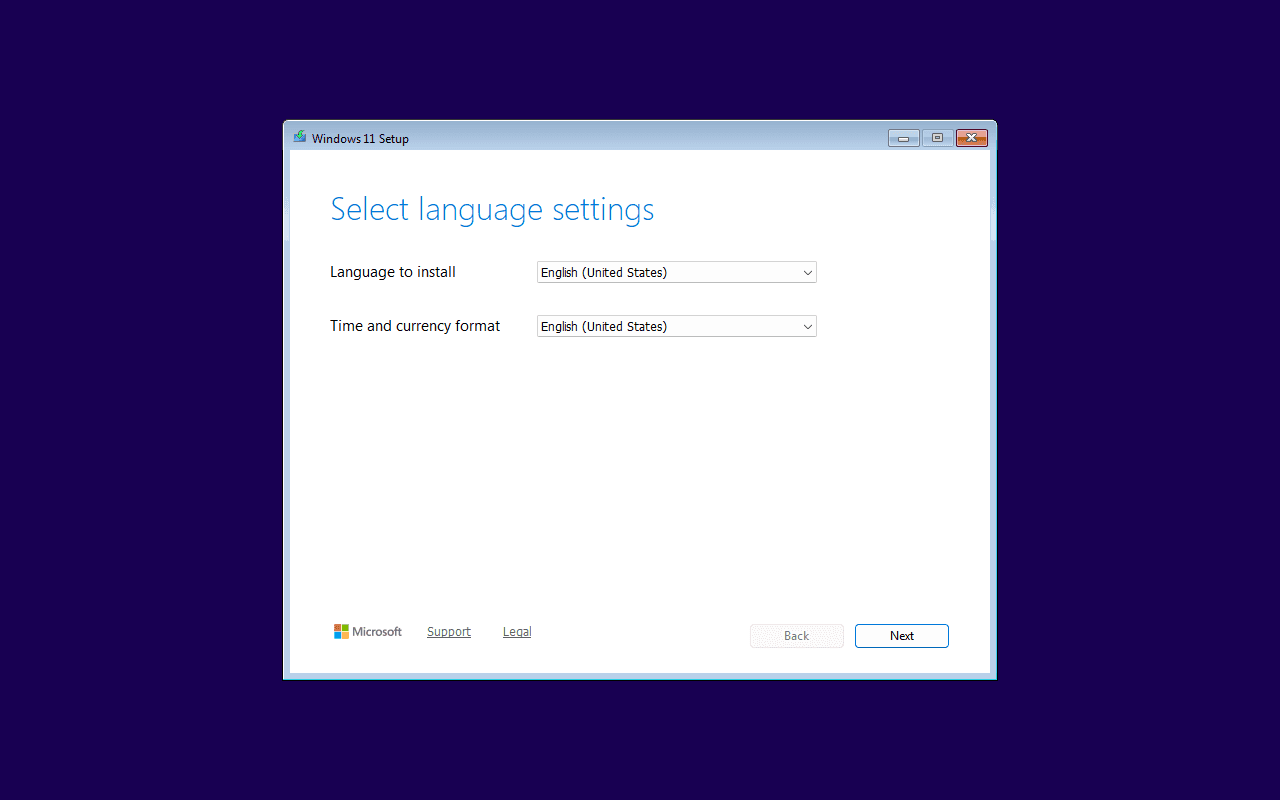
- The image boots in QEMU under UEFI with Secure Boot enforced, and Windows Setup lists every edition.
- Released as an open-source beta with an installable APK.
Honest statusAnvil is a beta. The writing engine is verified end to end, and testing across real phones and USB drives is still ongoing.